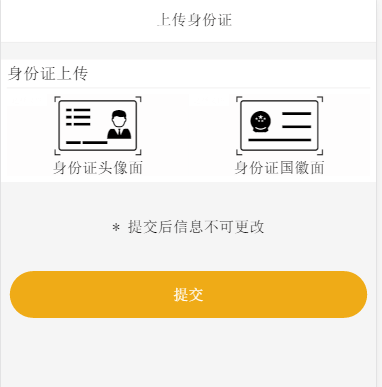
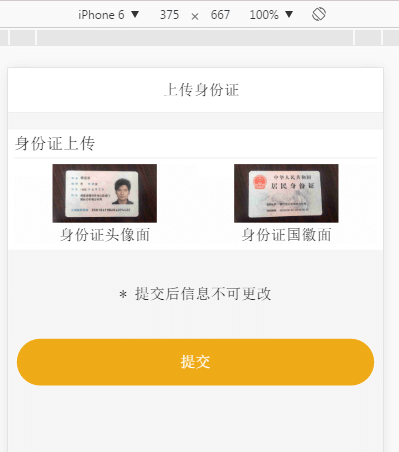
正常我们的上传标签都是这样写的<input  type="file" accept="image/*" />
这样显示出来的原生按钮不仅不利于用户体验。我们自己都觉得丑。所有我们需要进行美化下。
html代码
<div class="box" id="s1">
	<input data-id="s1" type="file" accept="image/*" class="upload-file" data-type="0">
	<div class="images">
		<i class="iconfont icon-shenfenzhengzhengmian"></i>
	</div>
	<div class="about">
		身份证头像面
	</div>
</div>
<div class="box" id="s2">
	<input data-id="s2" type="file" accept="image/*" class="upload-file" data-type="1">
	<div class="images">
		<i class="iconfont icon-shenfenzhengfanmian"></i>
	</div>
	<div class="about">
		身份证国徽面
	</div>
</div>
css代码
.iconfont{
        font-size: 100px;
    }
    .images img{
        width:auto;
        height:100px;
        overflow: hidden;
    }
    .box{
        position: relative;
    }
    .upload-file{
        position: absolute;
        width:100%;
        background-color: sienna;
        height: 100%;
        left: 0;
        top: 0;
        opacity: .01;
        filter: Alpha(opacity=1);

    }
实际案例